
Installation guide
How to install AQUABELL
step by step
Everything you need is in the box. Follow these six steps to fit AQUABELL to a compatible faucet with a removable aerator.
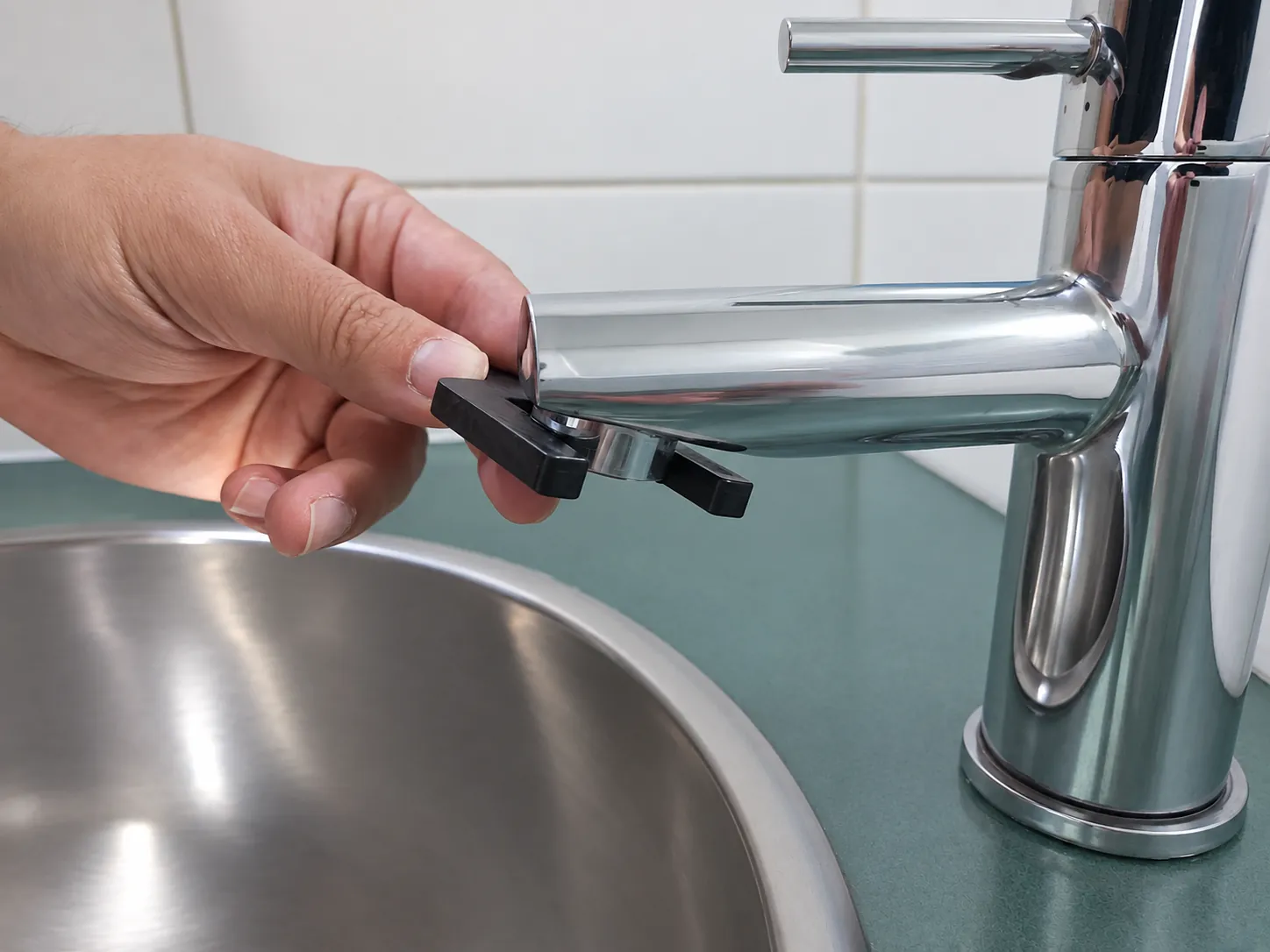 01Loosen the aeratorUse the removal tool to gently loosen the aerator at the tip of your faucet.
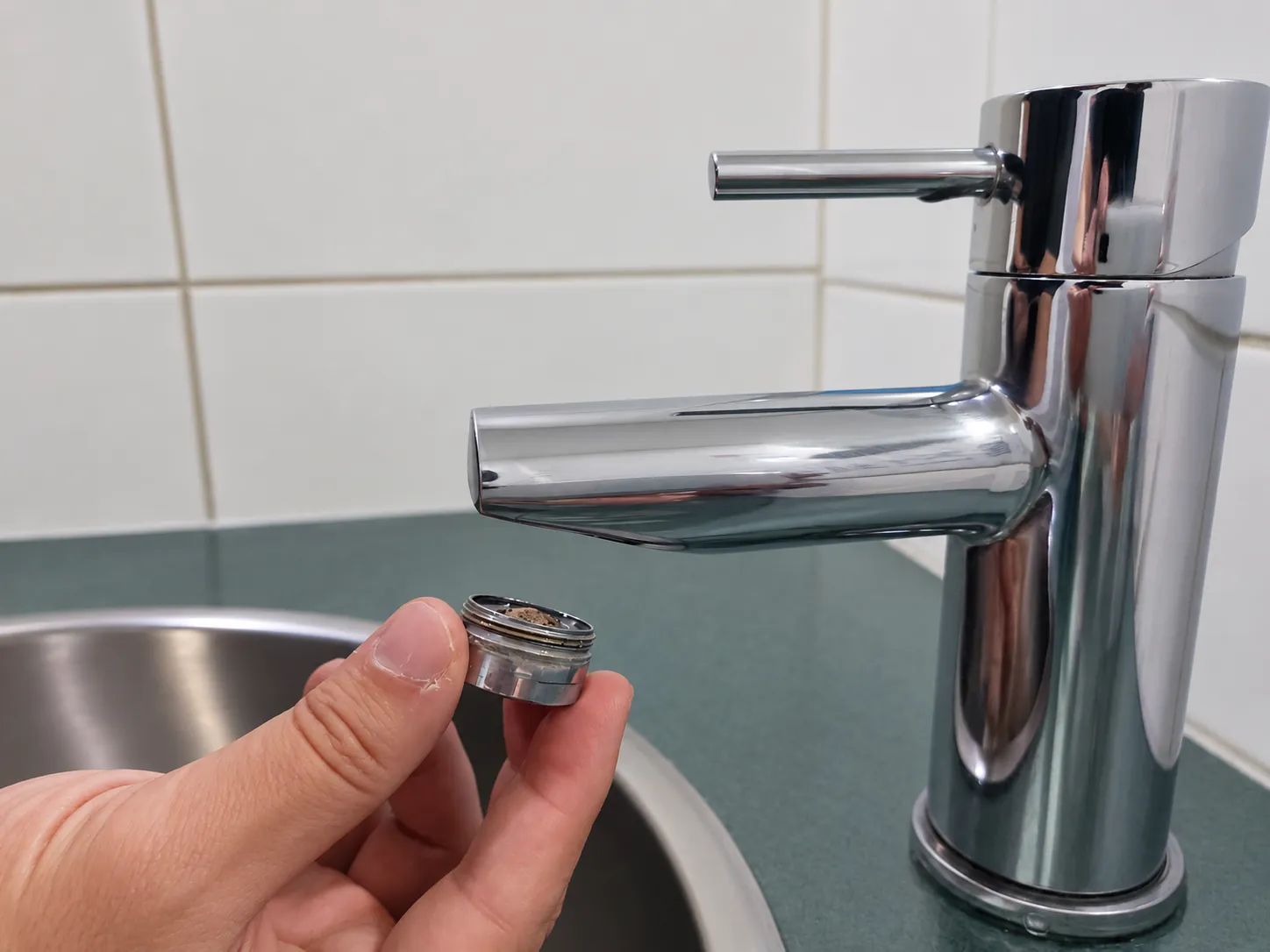 02Remove the aeratorUnscrew the aerator and set it aside.
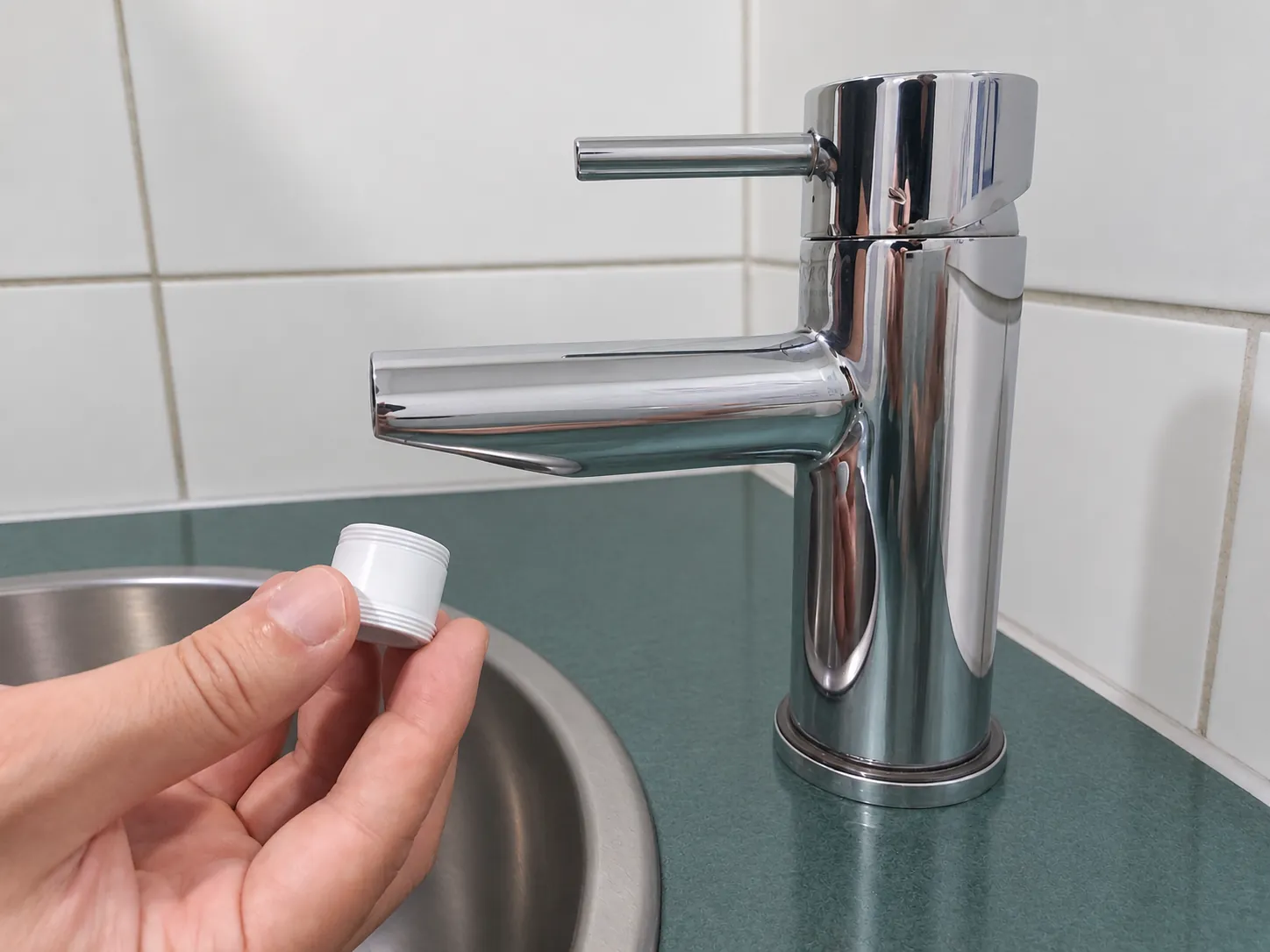 03Select the adapterChoose the supplied adapter that fits your faucet.
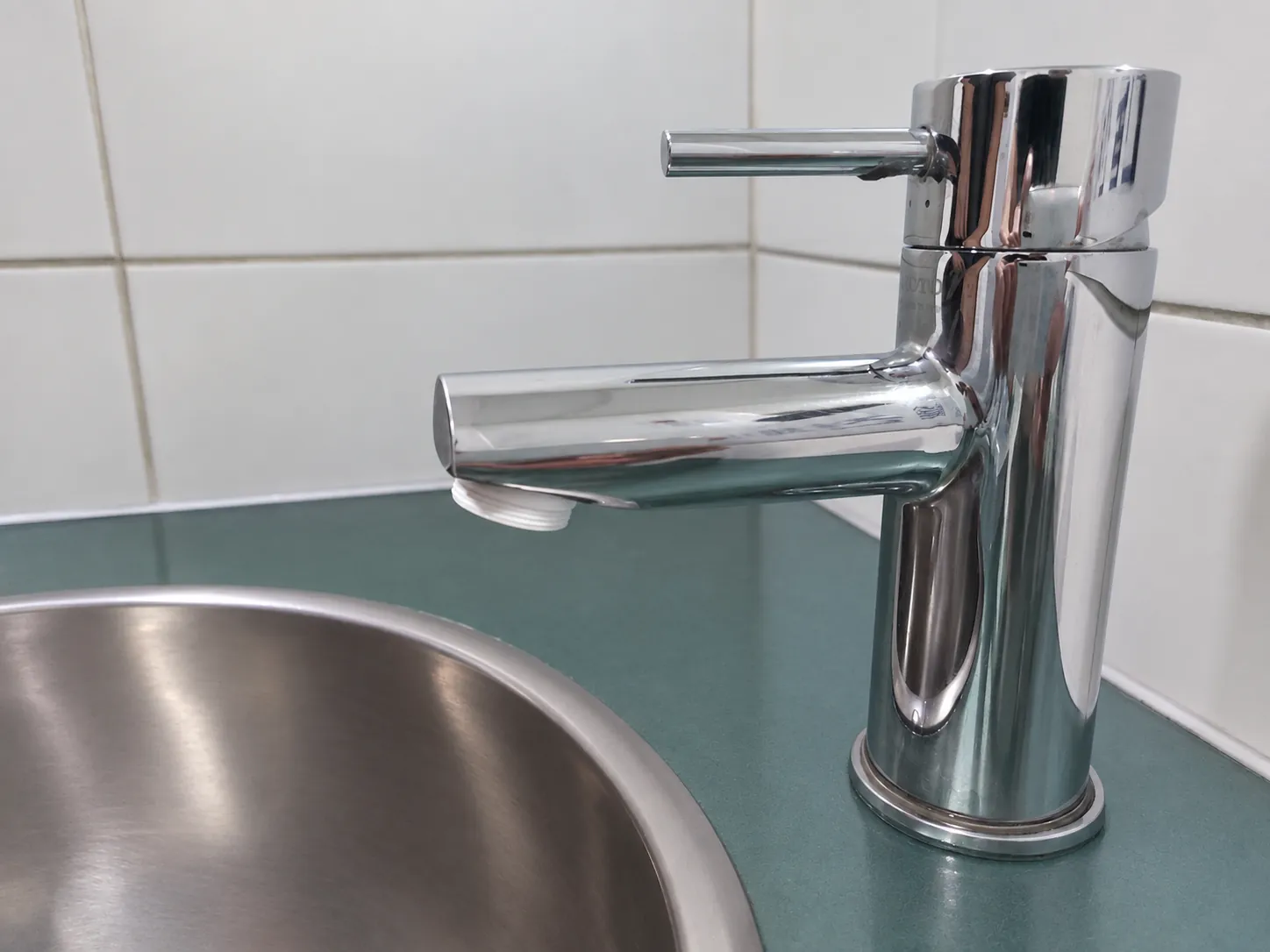 04Install the adapterScrew the adapter onto the faucet until snug.
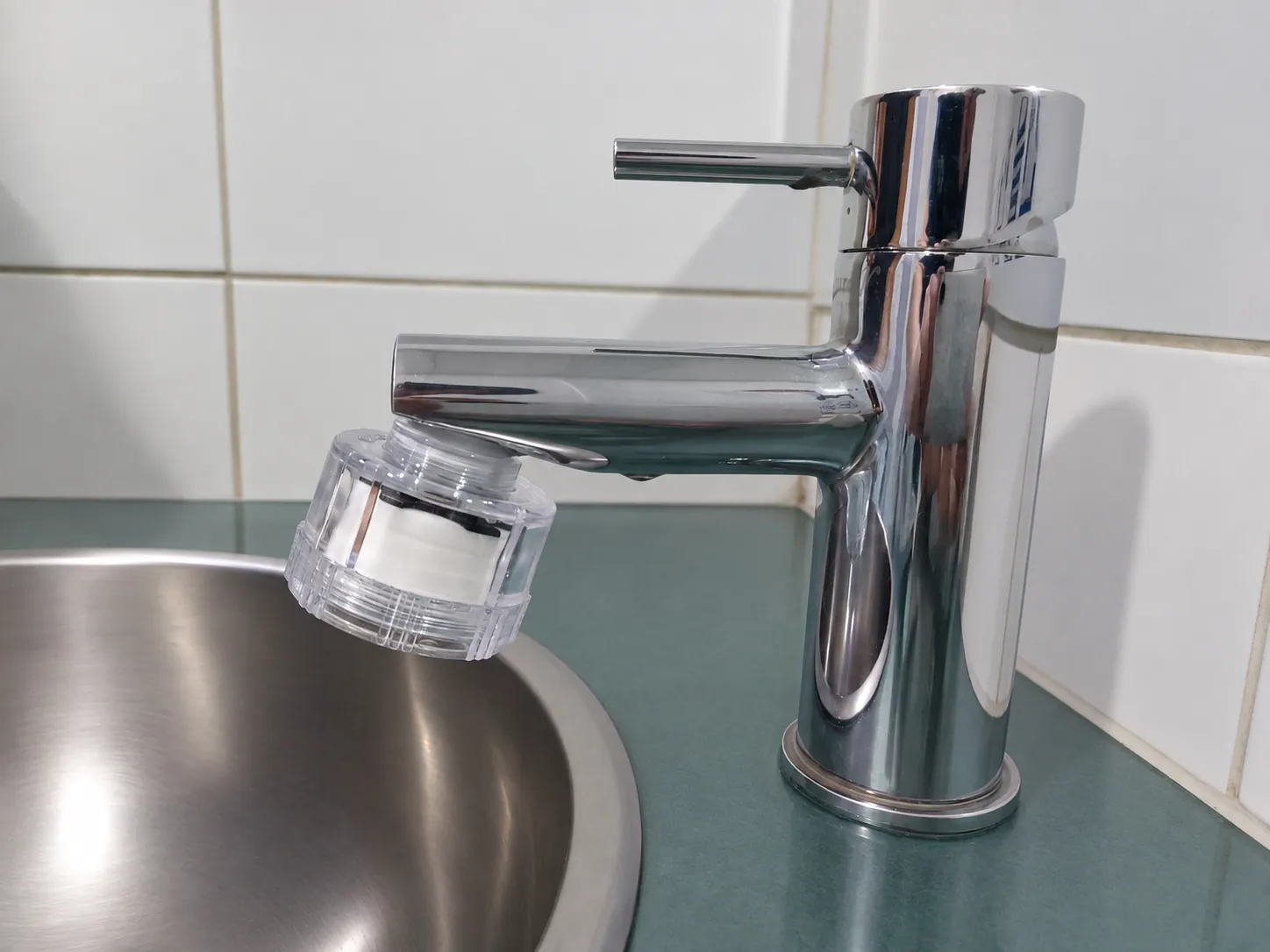 05Attach AQUABELLScrew the filter onto the adapter and tighten it by hand.
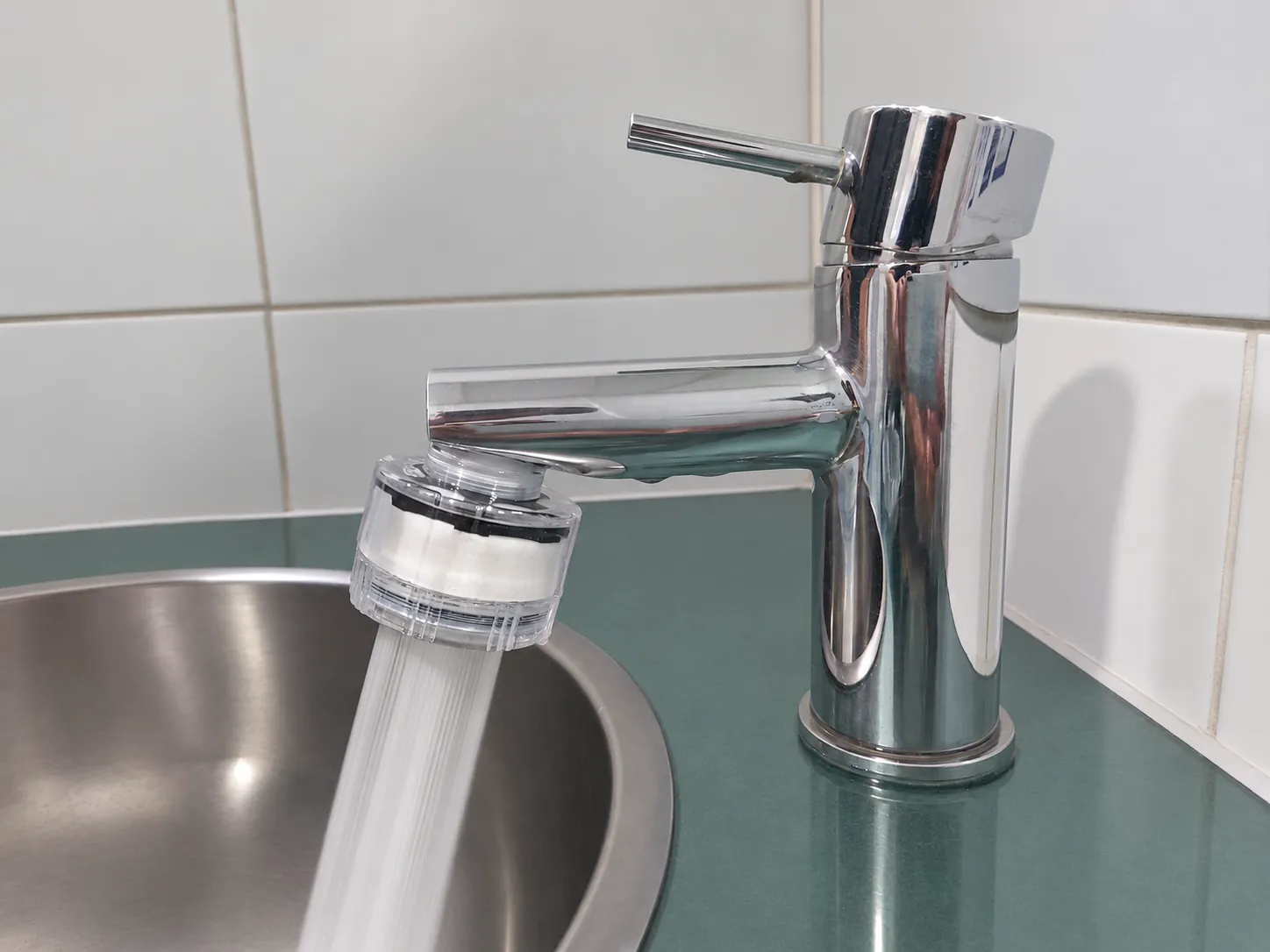 06Check the connectionTurn on the water and check for leaks around the connection.
Before the first useRun the tap for at least two minutes after installing — and again after every cartridge change — to flush the new filter through.
Not sure your faucet fits? Check compatibility · Ask us